Configuration
In this example, streaming telemetry with OcNOS is demonstrated, using 'gnmic' as the gNMI Client.
To install the gnmic tool for managing network devices using gNMI, refer to the gnmic Installation
Figure 7. Dial-In Streaming Telemetry Topology
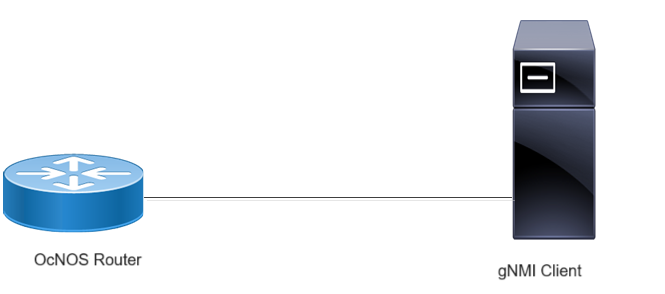
Before configuring Dial-In, meet all Prerequisites.
Enable streaming telemetry in a default VRF on OcNOS:
OcNOS#configure terminal
OcNOS(config)#feature streaming-telemetry
OcNOS(feature-telemetry-config)#commit
OcNOS(feature-telemetry-config)#exit
Telemetry Subscription Request via gnmic Command and YAML Input
Use the gnmic command with a YAML file input to request telemetry subscriptions with multiple paths.
gnmic -a <ipaddress:port> -u <UserName> -p <Password> --insecure --config <path to config file> subscribe
This command establishes a telemetry subscription with the specified paths defined in the YAML file.
Telemetry Subscription Request via gnmic Command with a Single Path Option
Use the gnmic command with a single path option to request a telemetry subscription for a specific data path.
gnmic -a <ipaddress:port> -u <UserName> -p <Password> --encoding [json, json_ietf] --insecure --mode STREAM --stream-mode sample --sample-interval sample-interval-value sub --path <path>gnmic -a <ipaddress:port> -u <UserName> -p <Password> --encoding [json, json_ietf] --insecure --mode [POLL, ONCE] sub --path <path>gnmic -a <ipaddress:port> -u <UserName> -p <Password> --encoding proto --insecure --mode STREAM --stream-mode sample --sample-interval sample-interval-value sub --path <path> --proto-file IPI_OC.protoThis command creates a telemetry subscription for the specified path with the chosen sample interval and encoding format.
Supported gnmic Options
The following table explains the option fields.